Jasmin Rohde

Portfolio

Rheinlander


Team Members

Jon Beck - Game Designer/3D Artist
Jasmin Rohde - Programmer/Sound Designer

Production Year

2023 / 2024

Platform

PC

Genre

City Builder Puzzle Game

Engine

Unreal Engine 5

About

The project is a level-based and more minimalistic approach to traditional city builder games. The map is restricted and tile based instead of being able to place buildings freely and being able to expand the area. You play through levels that have different objectives in order to complete them and progress to the next one.
Bachelor Thesis Project

Creation of a Custom Level Editor

Creating a Level Editor

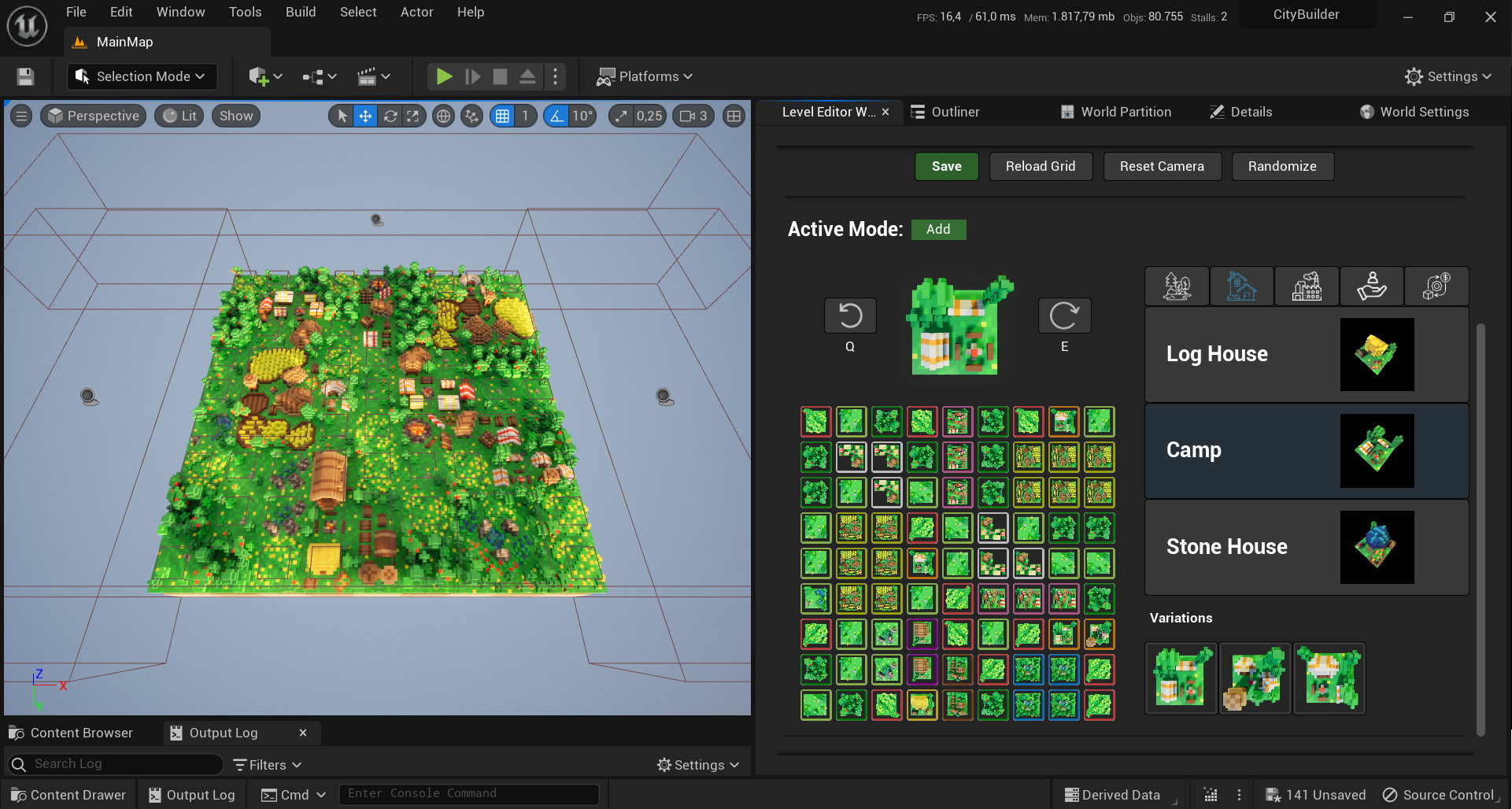
For my Bachelor's Thesis, I created a custom level editor for a City Builder game that was created in Unreal Engine 5 with the working title “Rheinlander”.

Level Generation

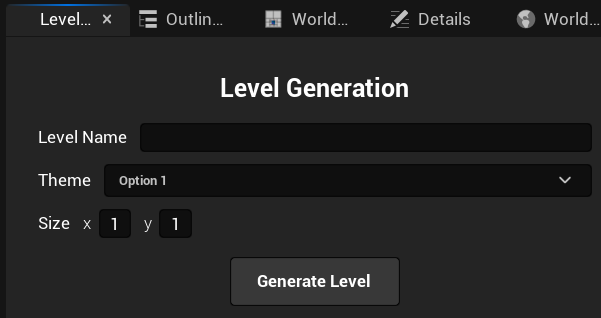
To create a level you type in a name, select a theme and specify the level size. After pressing generate it will create the level and open it automatically.

Editing Section

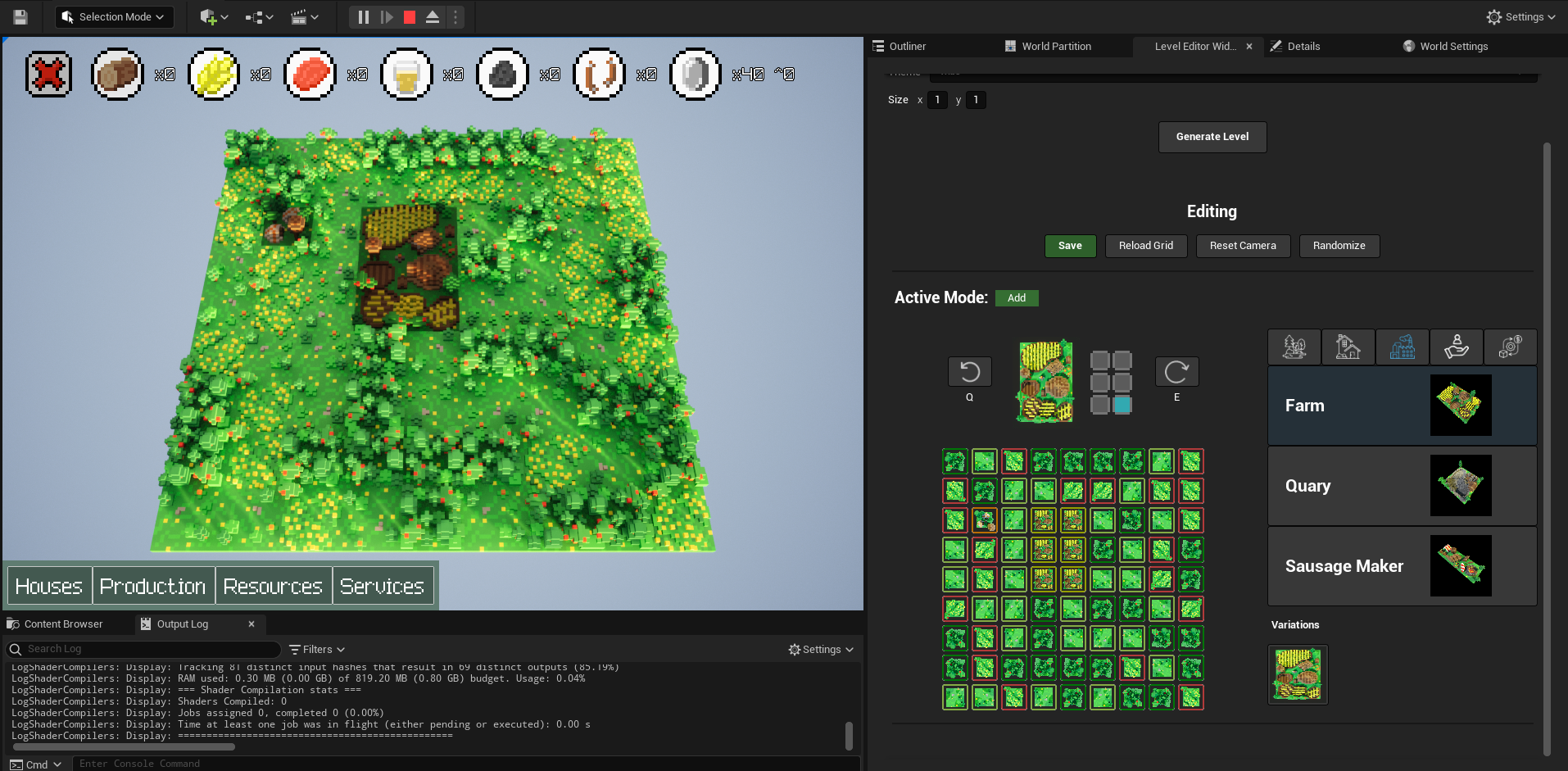
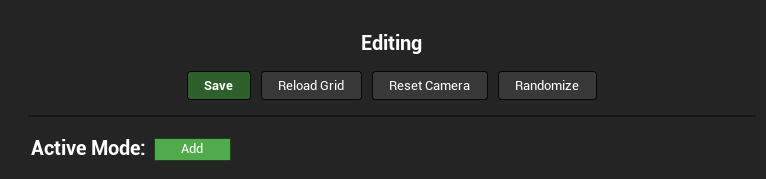
In the editing section we currently have four different options. Save to save the current level and any changes. Reload Grid to rebuild the gris in case there are any issues with the grid. Reset Camera to reset the camera's position to its default position and randomize which creates a random map with landscape tiles.

Editing Mode

The editor has a currently active mode which applies when clicking on a tile in the grid. If it is set to add then it will add the currently selected tile from the tile selection menu to the level. If it is set to remove then it will remove that tile and set the space to empty.

Grid

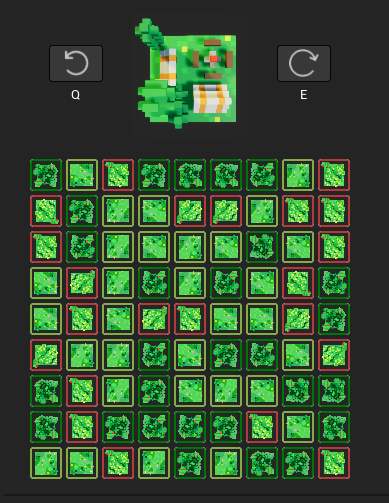
The grid shows all tiles that are currently placed in the level. Clicking on one of the grid tiles adds your currently selected tile to be placed to the level. You can see your currently selected tile to be placed in the preview above the grid, it also shows you the current variation and rotation of that tile.

Tile Selection

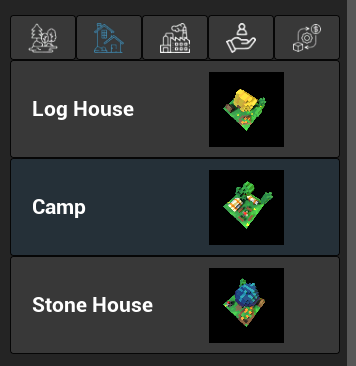
From the tile selection menu you can select a tile to be placed in the grid. The tiles are organized into tabs and it highlights the currently active tab and the selected tile.

Variations

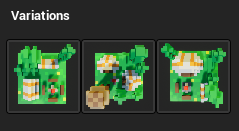
Below the tile selection menu you can choose between different variations of that tile. If a tile has a variation is based on the type of the tile you have selected.

Rotation

Tiles can be rotated by clicking on the arrow buttons next to the preview or pressing the 'Q' or 'E' key.

Big Buildings

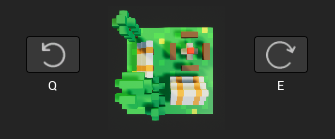
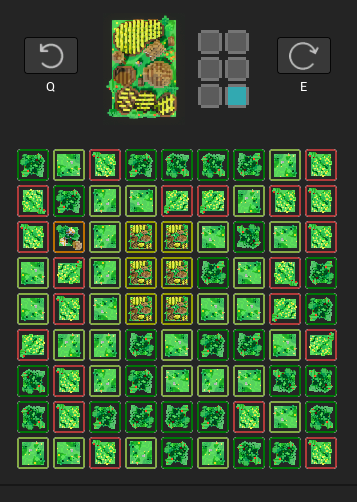
There are big buildings which will show you an indication for the anchor point and size of the tile next to the preview. It also adjusts based on the rotation of the building which makes it easier to place these in the grid.

Playtesting

After saving the level you can press play to test the level ingame. The level will be running with the tiles that have been placed inside the grid.


Level Editor Video