Jasmin Rohde

Portfolio

BA3: Multiplayer Game - Monsterwerk


Team Members

Project Lead / Design: Jon Beck
Design: Elizaveta Kolpacheva
Concept Art: Kaloyan Boychev
3D Art: Radim Jelinek
Programming / Sound Design: Jasmin Rohde
Programming: Martin Janosik

Production Year

2021 / 2022

Platform

PC

Genre

2 Player Couch Co-op Game

Engine

Unreal Engine

About

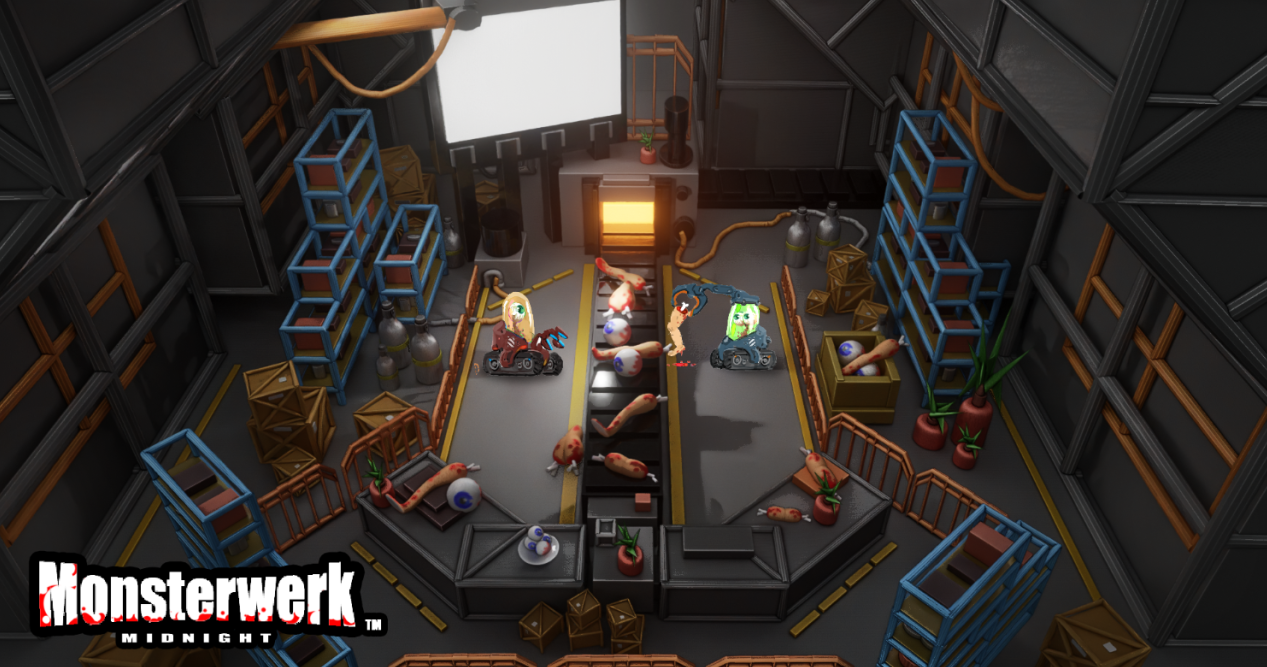
An evil scientist needs robots for his maniacal schemes and you are building them. In Monsterwerk players work together, cutting metal, fabricating brains, and welding parts together in chaotic fun.

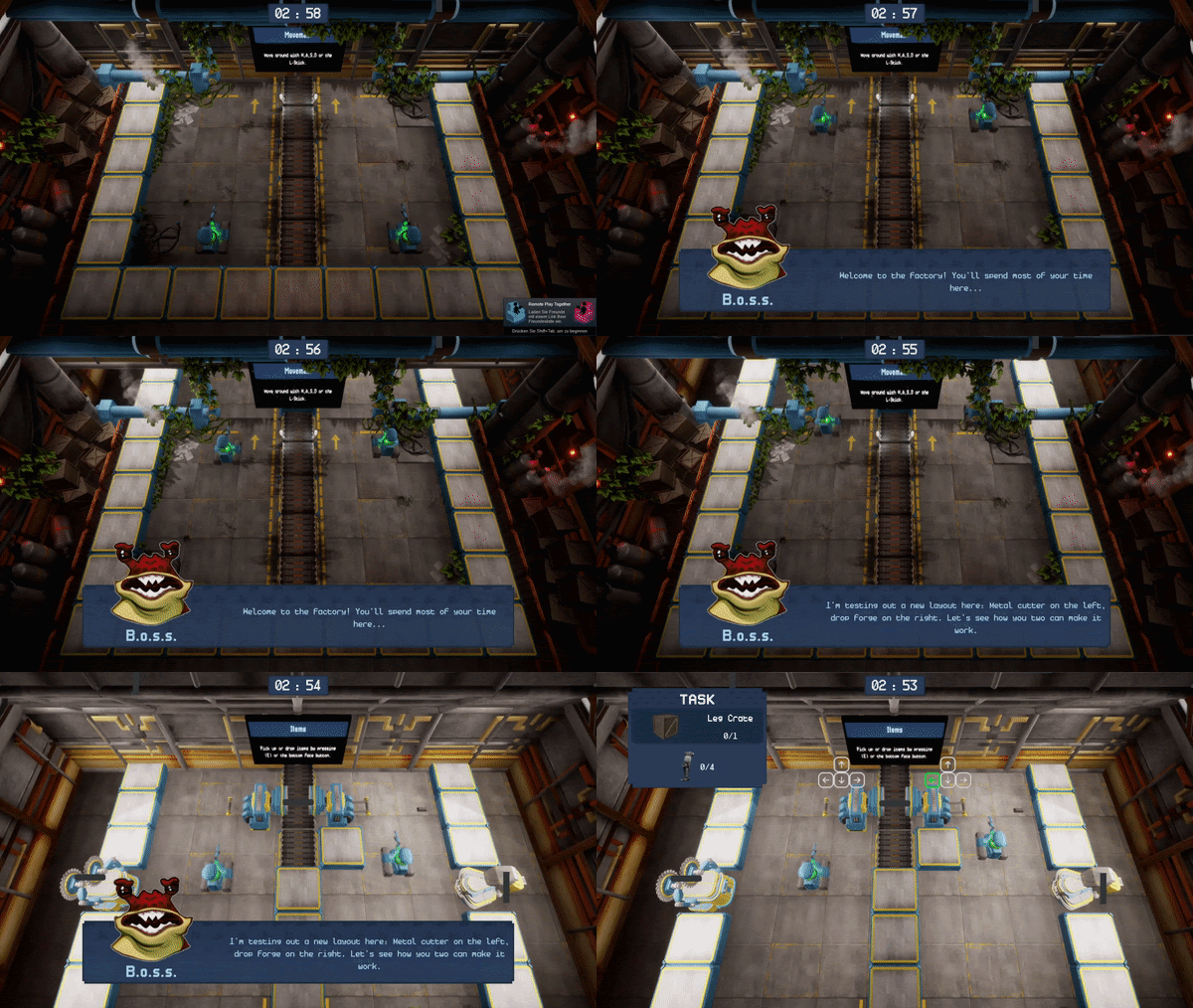
Interdependent Gameplay

The level design forces players to cooperate by making them interdependent. One player cutting metal so that player two can drop forge the metal into a leg for the monster.

Evil Scientist Narrative

Using in-game UI, end of level phrases and polaroids, players can see how well their robot performed on the task.

Interactive Stations

Each active station has a different kind of minigame. The player gets the output by pressing the right buttons. Passive stations simply require an input to spawn an output. Welding stations combine all parts by having the two players operate together.


Personal Contribution

Programming & Sound Design
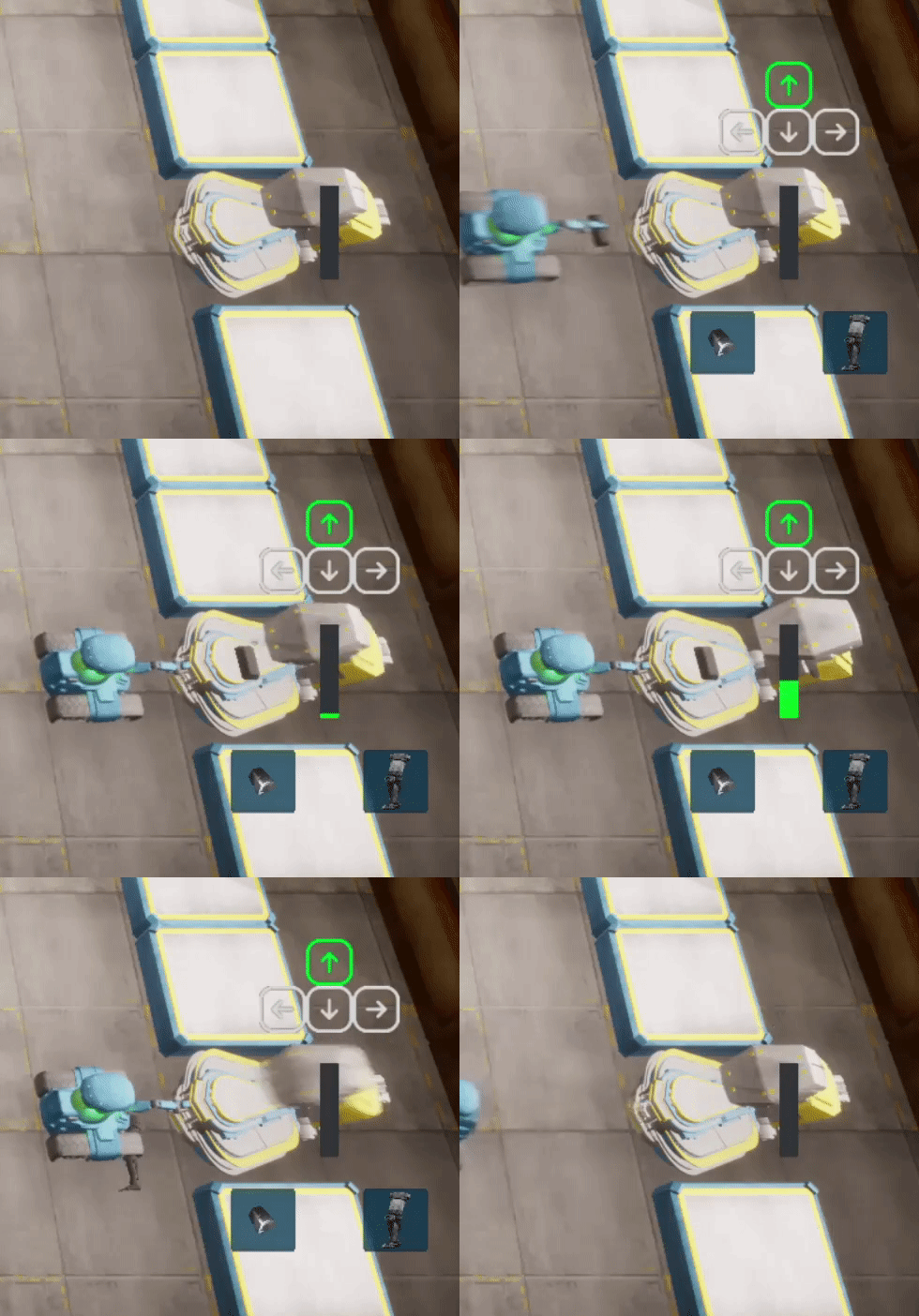
Active Station Minigames

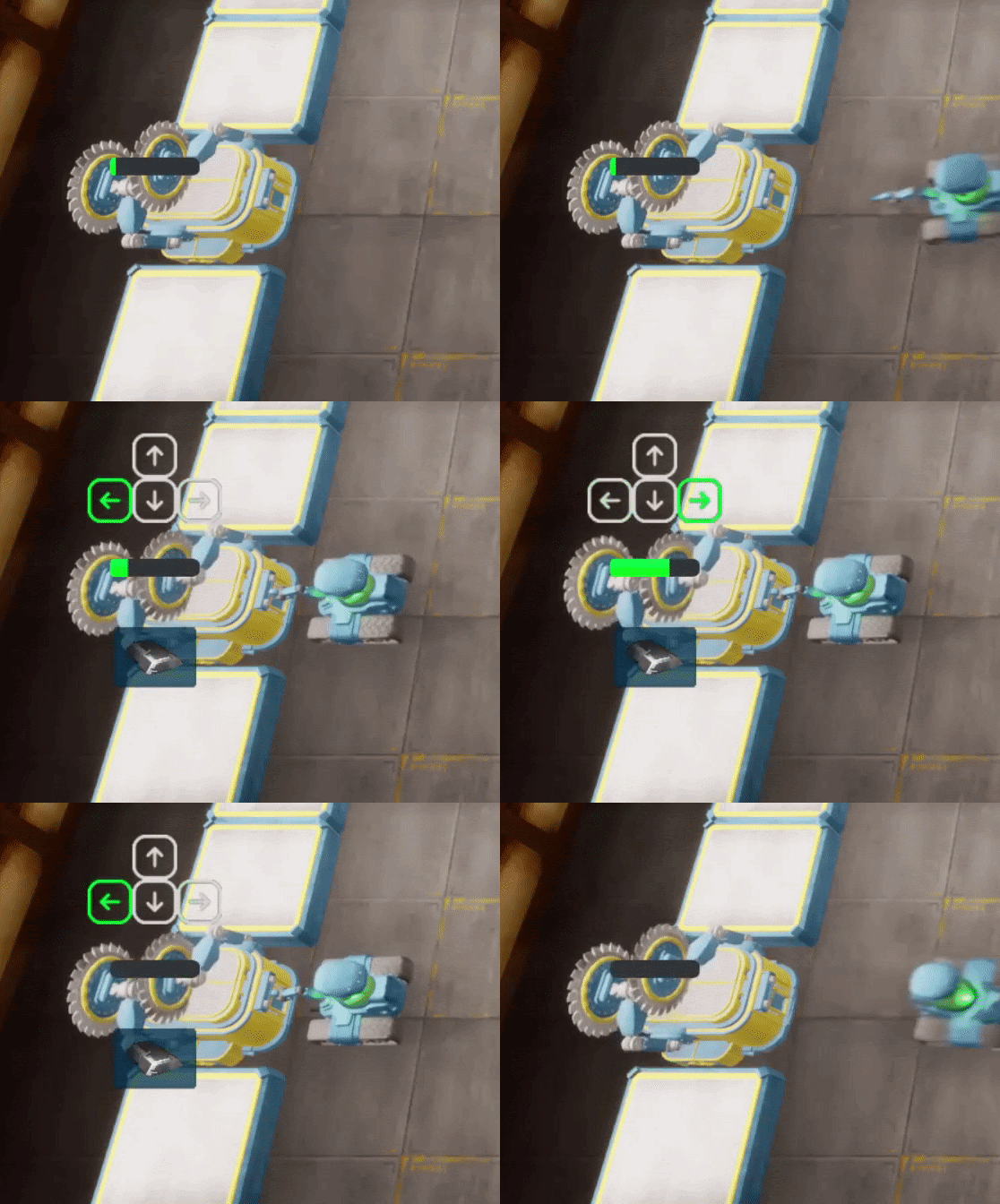
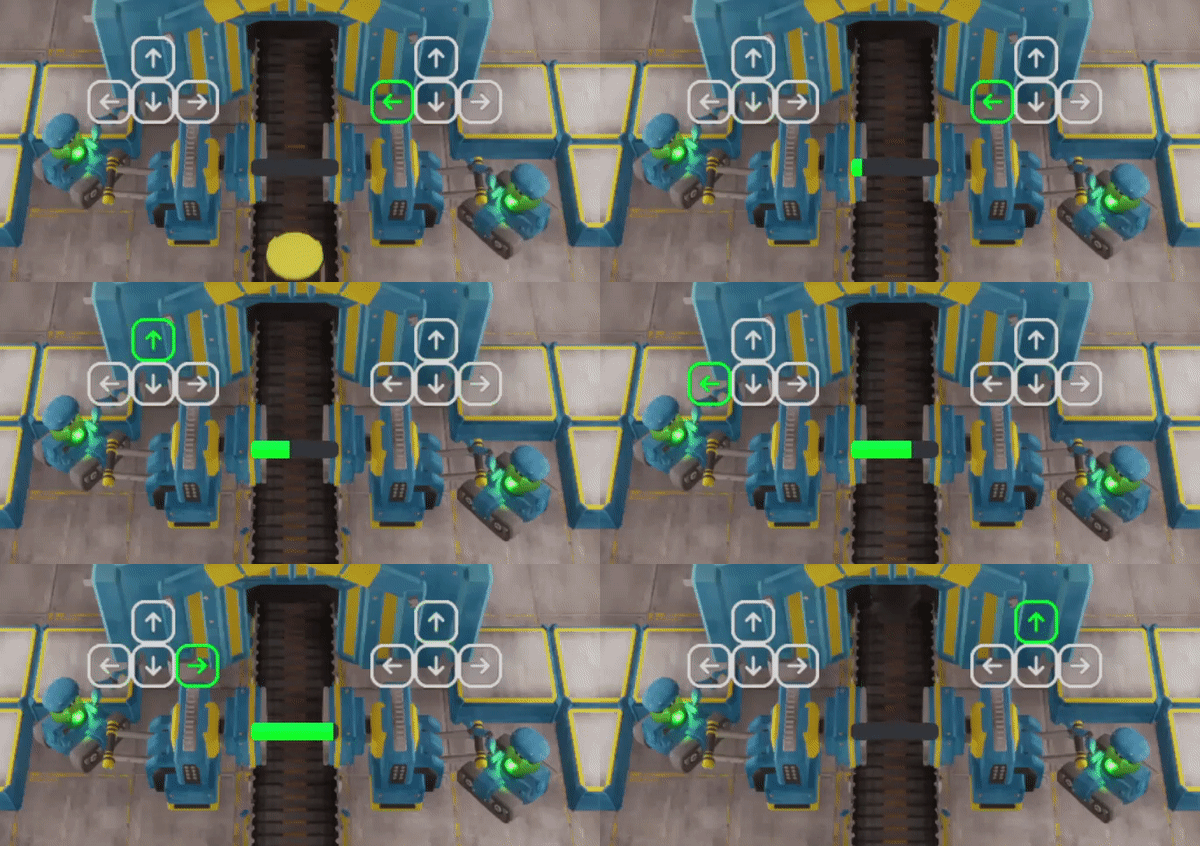
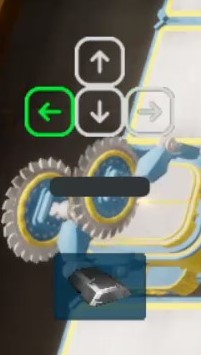
The player gets the output by pressing the right buttons, for example the metal bar saw requires the player to alternate between the left and right key. The dropforge on the other hand needs the player to hold down the up key for a specific amount of time. And for the painting station you have to press the four keys in a circle.

Passive Stations

Passive stations don't require the player to actively operate the station but simply need an input, in this case an empty jar. Then the station is able to spawn a filled jar with oil after a certain amount of time.

Welding Stations

The welding station behaves like an active station but needs two players to operate. The players press a randomly selected key each at a time to create the final monster and finish the level. The station is checking whether the right person is pressing the key and then changes the player it expects input from to the next one.

Transitioning between Sections

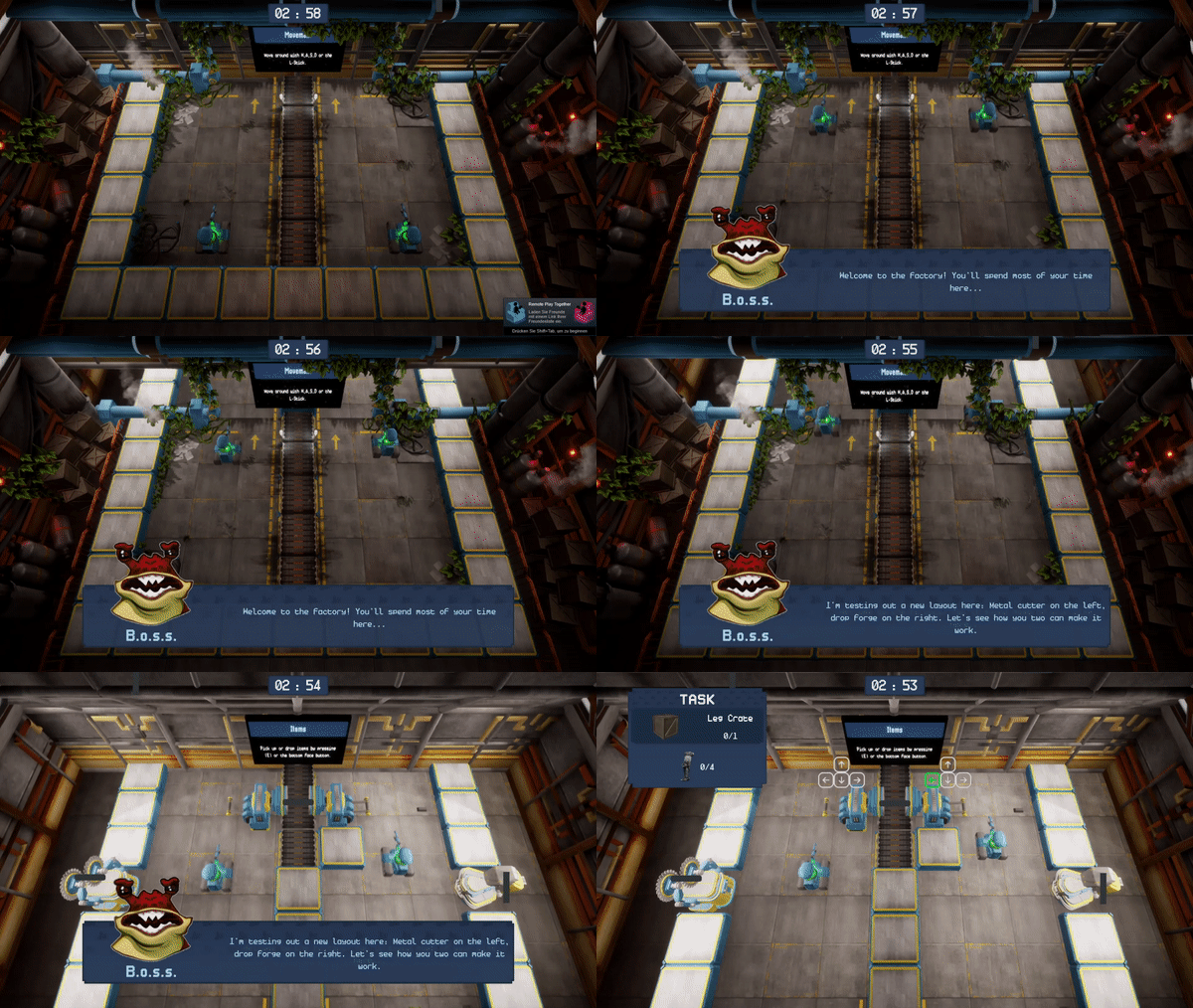
For the section transition, after the door opens the players can move on to the next section and the camera follows. A trigger behind the door assures that both players have passed that point and the door can be closed again to prevent players from going back.

UI

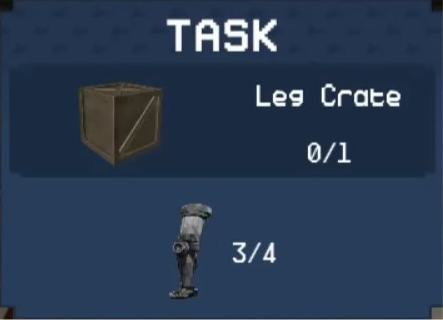
The UI shows your current task. The task can either be creating a crate or creating a monster. Both of them show the object or monster that is being created and eventually ouput by the welding machine. As well as the ingredients that are required with their type and amount needed. The UI pulls that information from different objects in the scene and updates accordingly.

Station UI

The stations display the buttons that have to be pressed or held and highlights the current one. The progress bar shows the remaining output time. Each station also has the information of which input it requires in order to spawn the output or if it only spawns an output after completing the minigame.

Timer & Tutorial

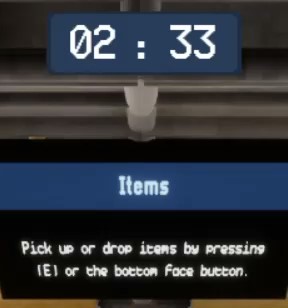
In the top middle of the screen is the timer to show the remaining time until the player fails the level and you can also see a screen that can be placed into the level to display certain useful information like how to pick up and drop items.

Music & Sound

The factory, environment and the stations have more realistic sounds to create the atmosphere of a real factory. The player and the UI have abstract sounds like button presses and little blips and blops to provide some player feedback. The music is more in the background and plays a supportive role for the overall atmosphere. It doesn't distract the player and fills out the empty space.


Gameplay Video


Download Game Prototype

Download